In this article0%
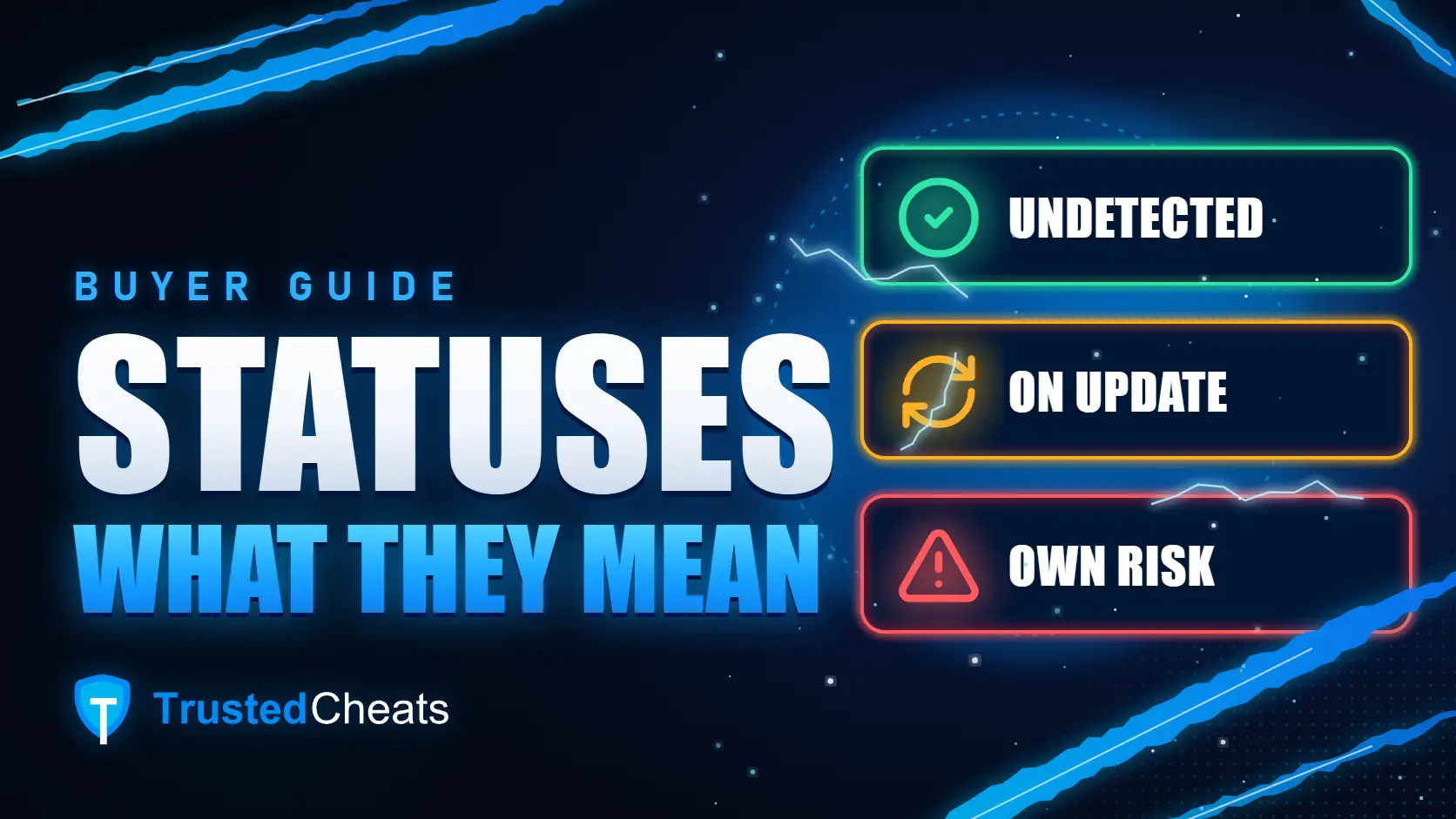
You open a product page, see "On Update" above the name, and the buy button won't respond? A status tells you what's going on with the software right now, and at TrustedCheats it directly decides whether you can buy it. Only products marked Undetected can be purchased. On Update and Use at Own Risk close purchasing until the status changes.
Below we'll go through what each status means for you, where to check it and what to do if your software goes on update in the middle of a subscription. All statuses in one place are on the status page.
Undetected: you can buy, but it isn't insurance#
This is the normal working status. There's no known detection right now, the latest information says the software works with the current version of the game, and the buy button on the product page is active. Most of the catalogue sits here: as of 7 November 2026, 288 of 374 products.
The main thing first: Undetected is not a guarantee. The status reflects what is known today, and an anti-cheat can update on any day. A detection usually becomes known only through the first bans, and sometimes those come later, in a wave. So a ban is possible with any software, whatever status the page shows. The status page says the same thing right under its heading.
It also happens that the status is right but the button is still inactive. For example, the subscription length you picked isn't on sale at the moment. Each plan has its own availability, so try a different length or ask support.
On Update: the game changed, the software is catching up#
A patch drops, you open the product page in the evening, and it already says On Update. Usually that means one thing: the game or its anti-cheat has changed, and the developer is adapting the software to the new version. Until the status changes, the software may not launch and you can't buy it — instead of checkout the page shows "Temporarily unavailable".
This is a normal part of life for any software, not a reason to panic. On the same date, 74 products were On Update — roughly one in five. Nobody can say in advance how long an update will take: it depends on how much the game has changed. And if you want to play today, check the "More for your game" block at the bottom of the same page — it only lists what you can buy right now.
If you already have a subscription, don't go hunting for an old build in chats. Wait until the status is back to Undetected, then get the current files from the same place you got them after buying.
Whether your subscription gets extended for the update period is up to the developer of that particular product. If there's such a rule, it will be in the product's terms. If the product page says nothing about it, don't count on an extension — ask support and give them your order number.
Use at Own Risk: higher risk than usual#
This status is a warning. The software may still launch, but the risk of a ban is higher than usual: for example, the anti-cheat changed recently and Undetected can't be confirmed yet. The name pretty much speaks for itself.
TrustedCheats doesn't sell these products: the buy button is closed, just as it is during an update. So this status matters mainly to people who already have a subscription. It's your call, but if you care about the account, I'd wait until the status is back to Undetected. There aren't many of these: 12 as of 7 November.
And a fourth one: Detected#
The filter on the status page has one more status, Detected. It means the anti-cheat already recognises the software. Purchasing is closed here too, and running such software on an account you care about is a bad idea. At the time of writing there are no products with this status in the catalogue.
Where the status comes from#
Statuses at TrustedCheats are set from software suppliers' data: most update automatically, and the administrator corrects the rest by hand. That means a status changes quickly, but still after events rather than ahead of them.
If the software behaves differently from what the label says — say, the page shows Undetected while the loader reports an update — message support with the product name and the time you checked. With those two details the mismatch gets found faster.
Where to check the status#
In the catalogue and on game pages — every product tile has a status label next to the name and price. Handy when you're browsing, say, software for Rust and want to skip whatever is updating right now.
On the product page — above the name, next to the game link. You'll also see straight away whether the buy button is active.
On the status page — the whole catalogue, grouped by game. At the top there's a search by game or product and filter buttons showing how many products have each status: press On Update and you only see what's updating. Games expand on click, and a product name takes you to its page.
A small thing that saves some nerves: the status on the product page and the status page refreshes by itself — about every thirty seconds and every time you come back to the tab. No need to reload. And at checkout the status is checked again on the server, so you can't buy something that went on update five minutes ago, even if the tab has been open since morning.
What to check on the product page before buying#
Status. You want Undetected, with the buy button active for the plan you've picked.
Requirements. The status says nothing about compatibility with your PC. Windows version, processor, Secure Boot and virtualization are on the System requirements tab.
Description. If the developer has special terms, that's where to look.
A replacement, if the product you want is unavailable. Scroll down to the "More for your game" block. It only shows products for the same game that are currently Undetected and available to buy.
To see how this looks in practice, open any product page, for example Stealth for Rust or Authority for Escape from Tarkov — both Undetected at the time of writing.
In short#
Undetected — no known detection right now, purchasing is open.
On Update — the developer is adapting the software to a patch, purchasing is closed, any subscription extension follows the developer's rules.
Use at Own Risk — higher risk than usual, purchasing is closed.
Detected — the anti-cheat recognises the software, purchasing is closed.
Before picking software, check the status page: filter by Undetected, expand your game and choose from what you can buy right now.