In this article0%
- A key or always on
- FOV: the circle where the aim looks for targets
- Smoothing: a snap or a gradual pull
- Bone: head, chest or nearest
- Visibility check and distance
- Target lock and priority
- Prediction: leading your shots
- Mouse, silent and pSilent
- Teammates, sleepers, bots and knocked players
- Where to start
- Where to find these settings
You open the aim menu and find twenty sliders, and no idea which one is to blame when your crosshair either jerks around or doesn't move at all. The short version: FOV decides where the aim looks for a target, smoothing decides how fast it pulls your crosshair there, and the bone decides where exactly it aims. Visibility check, distance and filters cut out the targets you don't want, and the rest is fine-tuning for a specific game.
Below we'll go through each setting using situations from real matches. Every example comes from a TrustedCheats product page: each product has the full list on its Features tab, so you can find the sliders you care about before you buy anything.
And the honest part up front: any aimbot carries a ban risk, however you set it up. This guide is about making aim understandable and comfortable to use, not about hiding it from an anti-cheat.
A key or always on#
Picture this: you're searching a container in Tarkov, a Scav walks past, and your crosshair drifts off on its own. That's an aimbot without a key — it reacts to anything that enters its zone. Exlab for Escape from Tarkov lists this as a separate option, Always On.
More often the aim sits on a key. Arcane Full for PUBG gives that key two modes: Hold, where the aim works while the key is down, and Toggle, where one press turns it on until the next press. Vengeance for Rust has separate keybinds for regular and silent aim.
My advice: start with Hold on a side mouse button. That way the aim kicks in exactly when you've decided to shoot.
FOV: the circle where the aim looks for targets#
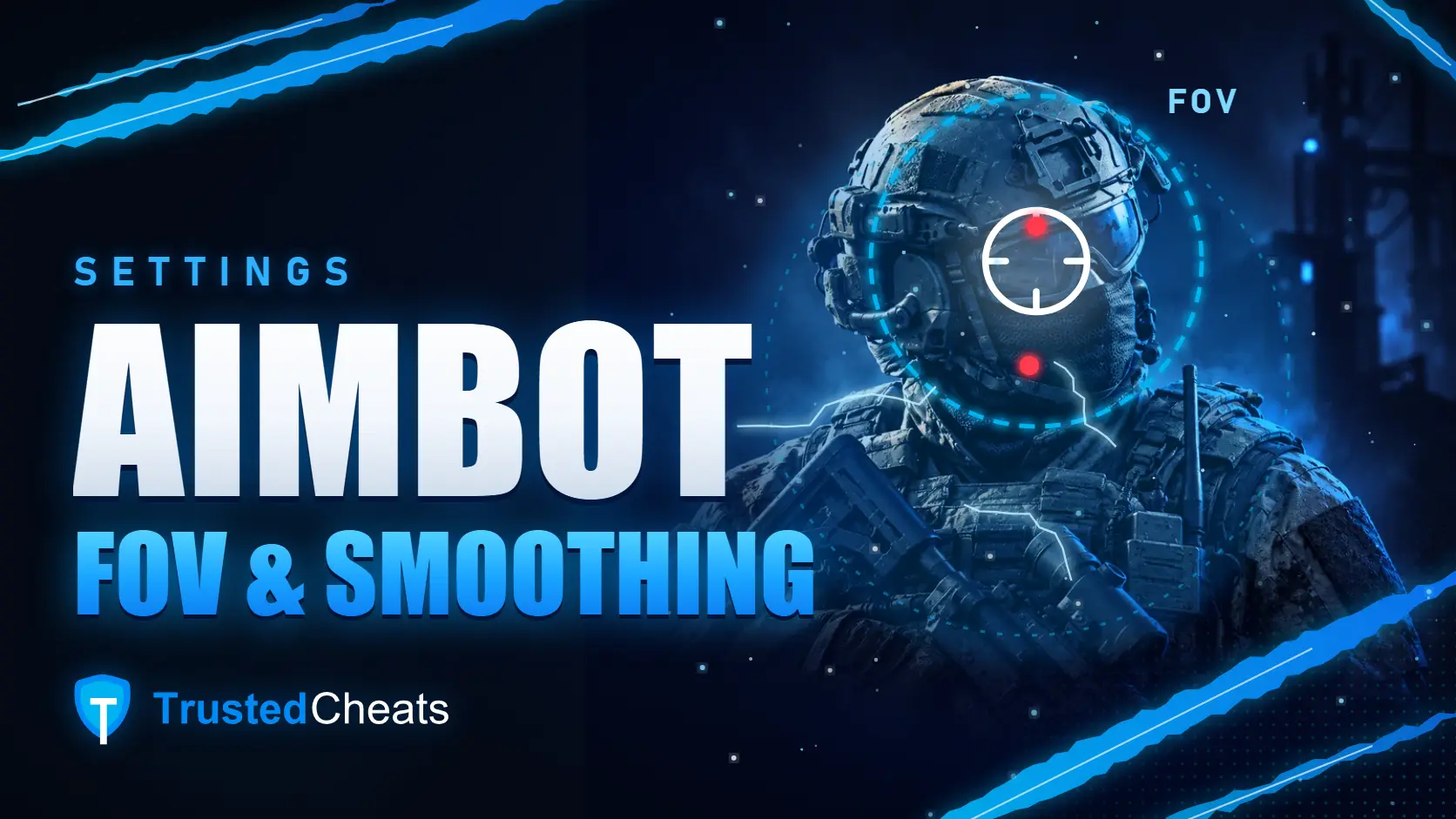
In an aim menu, FOV isn't your camera's field of view — it's a radius around your crosshair. An enemy inside the circle gets picked up; one outside is ignored. In Stealth for Rust it's Target FOV on a 1–400 scale; in Authority for Tarkov it's the aim radius (FOV) setting.
Almost every product can draw that circle on screen: Draw FOV in Stealth, Draw FOV Circle in Arcane, the aim radius display in Authority. Turn it on at first and the "why isn't my aim reacting" question answers itself: the target is simply outside the circle.
By the way, Authority uses the word FOV twice. Under Aim it's the aim radius; under Misc, Change view radius adjusts the camera angle itself. Those are two different sliders.
Smoothing: a snap or a gradual pull#
Close-range fight, the enemy is strafing left and right. With minimal smoothing your crosshair snaps onto them; with heavy smoothing it pulls over gradually and may simply not get there in time. Smoothing (Smooth, Smoothing) decides where you land between those extremes.
You'll find it in Vengeance for Rust, Arcane Full for PUBG and Ghost Full for Arena Breakout. In Mason Internal you first turn it on (Use Smoothing) and then set the value. In Stealth, the mouse aim duration setting plays a similar role. And a small thing that's easy to trip over: in Crooked for Arena Breakout the scale runs the other way — the product page literally says "more > faster".
Start in the middle of the scale and move it one step at a time. Otherwise you won't know what actually made things better.
Bone: head, chest or nearest#
The bone is the point on the model the aim goes for. The head is the smallest target, the chest the largest, and pelvis or limbs are needed less often. Stealth for Rust gives you four options: Nearest, Head, Chest and Pelvis. Authority goes further, all the way down to arms and legs.
Nearest picks whichever bone is closest to your crosshair, so it doesn't drag you across the whole model to reach the head. Mason Internal takes it further still, with a Hitscan Priority mode and a secondary bone with its own priority.
I'd start with Chest or Nearest. Leave the head for later, once you've sorted out smoothing.
Visibility check and distance#
Without a visibility check, the aim latches onto a player behind a wall: your crosshair is pressed against concrete while the person actually shooting you stands in the next doorway. Visible check in Stealth, Visibility check in Authority and Arcane, and Use Vischeck in Mason Internal keep only the targets you can see.
Max distance drops targets beyond a set range. In Stealth it's a Distance limit from 1 to 400; in Exlab it goes from 1 to 2000 metres. In Ghost Full for Arena Breakout, distance is set separately for regular aim and for pSilent.
Match it to the weapon in your hands: with an SMG, a target half a kilometre away is of no use to you anyway.
Target lock and priority#
Two enemies run as a pair, and the aim jumps between them because first one, then the other is closer to the centre of your crosshair. That's what target lock is for: Lock Target in Arcane Full and Keep Target in Mason Internal. In Mason the target stays locked while you hold the key, even if it leaves the FOV circle.
Exlab for Tarkov lets you choose how a target gets picked: by FOV and range together, by FOV only or by range only. If you're not sure, go with FOV — the aim will take the person you're already looking at.
Prediction: leading your shots#
In PUBG and Rust a bullet takes time to travel and drops over distance. Aim straight at a car two hundred metres away and you'll miss — you need to shoot where it's going to be. Prediction in Arcane Full for PUBG does that maths for you, and Prediction Cross shows the lead point on screen.
Mason Internal for Rust has several tools here: Predicted Marker draws where to aim, Simulate Projectile draws the projectile's path, and grenades get their own calculation for higher-angle throws.
Mouse, silent and pSilent#
Mouse aim moves your crosshair as if you were moving the mouse yourself, and you can see it on screen. Silent aim hits the target while your crosshair stays put. In Stealth for Rust you pick between the two in a single option, Aimbot Type. In Vengeance, silent aim is still in beta and comes with its own keybind and a separate line.
Mason Internal describes pSilent like this: the projectile curves towards the target on its own. In Ghost Full for Arena Breakout, regular aim and pSilent are two separate blocks, each with its own key, FOV and max distance. So set them up separately too: one mode's circle doesn't affect the other.
If you'd like both modes in one menu, along with drawing the circle and the target, take a look at Stealth for Rust.
Teammates, sleepers, bots and knocked players#
In Rust you're running through someone's base, and the aim reaches for a sleeper by the wall while a live player with an AK stands right next to it. Ignore sleepers in Stealth fixes that, and Ignore team keeps you from aiming at your own people. Vengeance has its own Teammate option for allies too.
Other games have their own filters. In Arcane Full for PUBG you decide whether to aim at knocked players. Crooked for Arena Breakout can aim at knocked players and, when you're playing as a wild player, at bots. Exlab for Tarkov aims at both players and bots.
Where to start#
Put the aim on a Hold key.
Turn on FOV drawing and start with a small circle.
Smoothing in the middle of the scale, bone on Chest or Nearest.
Turn on the visibility check and ignore teammates, then limit distance to your weapon.
Change one setting at a time and save a setup that works: Authority, Vengeance and Ghost Full, for example, all let you save configs.
Where to find these settings#
Feature lists and requirements are on the product pages, and each product's current status is shown there as well as on the status page. The products covered here:
Authority for Escape from Tarkov — aim radius and range, bones down to arms and legs, silent aim
Exlab for Escape from Tarkov — Always On, target priority, range up to 2000 m
Stealth for Rust — silent and mouse aim, ignore teammates and sleepers
Mason Internal for Rust — pSilent, Keep Target, prediction marker
Vengeance for Rust — mouse aim with smoothing, silent aim in beta
Arcane Full for PUBG — Hold or Toggle, prediction, target lock
Ghost Full for Arena Breakout — separate aim and pSilent blocks
Crooked for Arena Breakout — bots, knocked players and a reversed smoothing scale